Record on Bike How to Use the Record Button
Turn speed into a streamer-style flex your followers can feel.
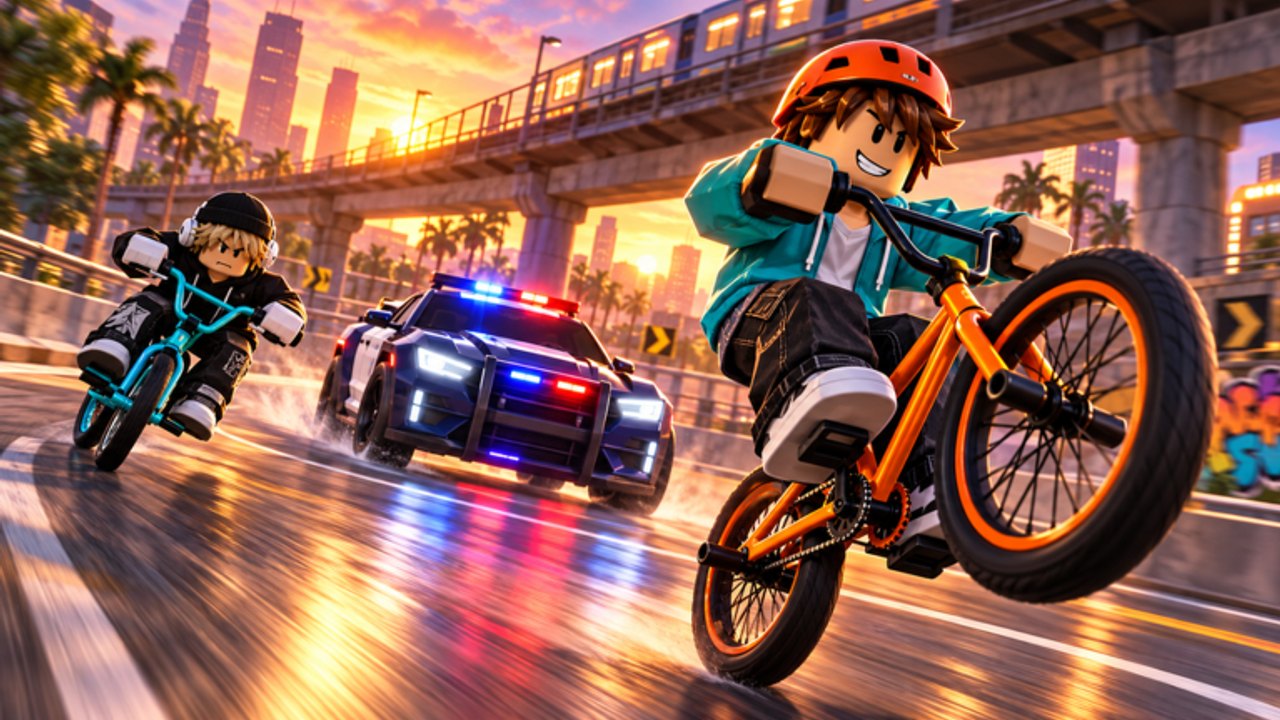
The Record button is the punchline of Record on Bike. Riding and shopping build the machine; Record is how you perform for fans. Bike Inc’s own pitch says it plainly: hit the record button to flex in front of your fans and find out if you are the best streamer on your bike. This guide explains when to press it, how to stage a clean take, and how followers fit the fantasy.
If you have not finished onboarding, skim Getting Started first. If inputs are fuzzy, keep Controls open beside this page.
What Record is (and is not)
Record is an in-experience performance action, not a replacement for Roblox’s separate screen-record tools and not a promo-code redeem panel. Pressing it is about the streamer fantasy inside the place: you are broadcasting swagger to the follower count you have earned.
It is also not a money printer by itself. Cash still comes from riding and rewards — see Earn Money and Followers. Record makes progress visible.
Setup before you press Record
- Bike ready — A B-tier or better ride makes flexes look intentional. Estimated ranks: Best Bikes.
- Followers on the board — Claim the Bike Inc like + join gift for +999 followers if you have not (Codes Hub).
- Route picked — Choose a straight, landmark, or scenic bend you can survive at speed.
- Camera settled — Stop whipping the camera wildly; viewers (even imaginary ones) need a readable frame.
- HUD familiarity — Know which control is Record so you do not open Shop by mistake mid-flex.
Step-by-step first flex
- Ride to your chosen spot below top panic speed.
- Straighten out so the bike is stable.
- Tap Record once.
- Commit to a short, clean performance — speed by a landmark, hold a line, or show the bike’s pace.
- End the take before a crash writes the headline for you.
- Review how it felt; adjust position and try a second take.
Short and clean beats long and chaotic. You are practicing a streamer moment, not an endurance crash compilation.
Timing tips that raise quality
- After upgrades: Record once on a new bike so you feel the speed delta.
- After follower spikes: When codes eventually exist, or after the group gift, celebrate with a take.
- Not while shopping: Finish the menu, then perform.
- Not in dense player piles: On a 16-player server, cluttered spawns create collisions that ruin flexes.
- Not during script experimentation: Overlays and auto-move packs fight intentional camera work — Scripts Hub.
Camera and framing
Think like a creator even if nobody is watching yet:
- Keep the bike readable in frame.
- Avoid pointing straight at the ground.
- Use wider approaches on mobile where touch HUD eats the edges.
- If the experience offers camera modes, test one change at a time.
Controls detail lives on Controls. Come back here for the performance mindset.
Followers and the social loop
Followers are the audience meter for your Record fantasy. The day-one +999 from Bike Inc exists so you are not flexing to zero. More followers do not automatically unlock faster bikes, but they make the role-play coherent. Earn more through normal play loops documented in Earn Money and Followers, then spend Record time showing what that audience “sees.”
Common Record mistakes
| Mistake | Why it hurts | Fix |
|---|---|---|
| Mashing Record while crashing | Flex becomes fail footage | Stabilize first |
| Recording on unrested starter forever | Looks underpowered | Buy early speed (Buy Faster Bikes) |
| Ignoring followers | Fantasy feels empty | Claim group gift |
| Recording through menus | Broken pacing | Close Shop/Settings |
| Chasing script “auto live” | Ban risk, fake pacing | Stay manual |
Practice drill (ten minutes)
- Two warm-up laps on your current bike.
- One Record take on a safe straight.
- One take near a landmark.
- One take immediately after a shop upgrade comparison.
- Stop and note which take felt most “streamer.”
Repeat the drill whenever you jump a tier on the Tier List. New speed needs new timing.
How Record ties to the rest of the wiki
- Progression fuel: Buy Faster Bikes
- Audience fuel: Earn Money and Followers
- Creator context: Players
- Patch awareness: Updates
Mastering Record is optional for raw speedrunning the shop, but it is mandatory if you want the experience Bike Inc advertised. Ride with intent, press Record on purpose, and let the fans — starter gift included — watch you cook.
Frequently Asked Questions
Quick answers to the most common questions.
Where is the Record button?
It is part of the in-experience HUD. Exact placement can vary by device; see Controls if you cannot find it.
Do I need followers before Recording?
You can Record anyway, but claiming the Bike Inc +999 followers gift makes the streamer fantasy land better immediately.
Does Recording give free cash?
Treat Record as a performance action. Cash still comes from riding and rewards outlined in the money guide.
Should I use auto-live scripts for Record?
We recommend legitimate manual takes. Automation carries ban risk and often looks unnatural.